
Use the Cumming Library’s microfilm reader for one focused research task and check the saved file before leaving. |
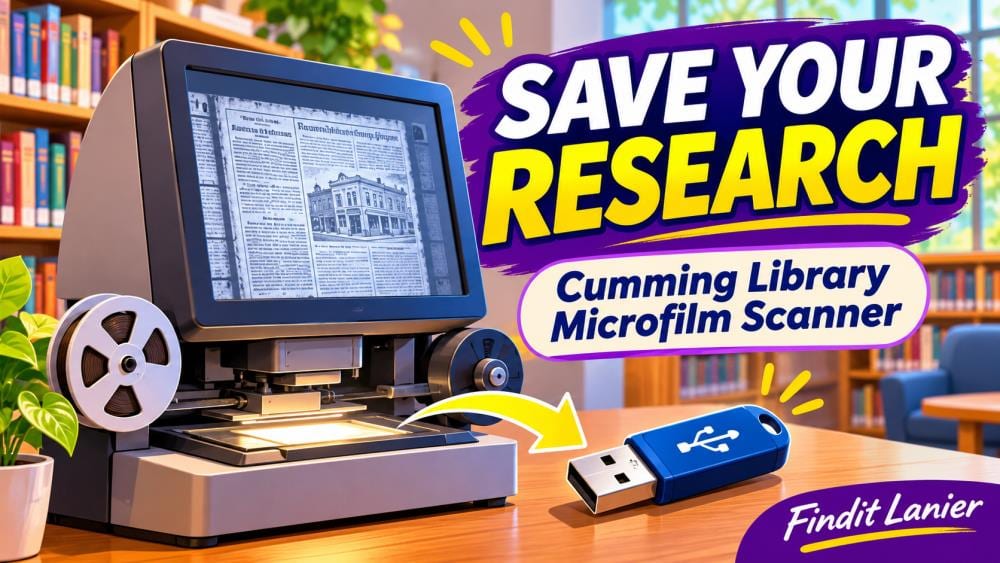
Cumming Library Microfilm Scanner: Save a Research Find to USB
Use the Cumming Library’s microfilm reader for one focused research task and check the saved file before leaving. Start with the current official guidance and use the practical plan below to prepare.
Choose the item before the equipment
A local-history visit can produce a useful discovery and still end without a usable copy. At Cumming Library, plan both the research question and how you will save the result. The branch describes a Scan Pro 3000 microfilm reader that supports viewing, printing and scanning microfilm or microfiche to removable media. Start with the publication, approximate date and subject you hope to find.
The branch is listed at 585 Dahlonega Street in Cumming. Check its current calendar before traveling, especially over the Thanksgiving period. A normal weekday routine may differ during holiday closures. Ask the library what help is available if this is your first time using the reader, and whether you should bring a USB drive for your task.
Keep enough context in the image
Once you locate a promising page, identify the date, publication and page number before making a scan. Include the full item you need and enough context to recognize it later. A cropped paragraph can be difficult to cite if the publication information disappears. Write a short note describing the image while the original is still on the screen.
Check whether the article continues elsewhere. If it does, record both pages and keep the files together. Use simple filenames with the date and subject rather than leaving every image under a generic scanner name. When researching a family or place, distinguish what the record actually says from a conclusion you still need to check.
Open the saved file before leaving
Review the first saved image at a size that lets you read its small text. Look for missing edges, excessive darkness or an unreadable heading. Correct the capture while the film is loaded. If you make several scans, spot-check later files as well instead of assuming every page has the same contrast or position.
Before ending the session, confirm where the files were saved and that the removable drive can be opened. Ask staff about the equipment’s normal finishing procedure. Keep a second copy of important research when you get home. A folder with the image, your citation and the question it answers is easier to use than a collection of unexplained pictures.
Plan a second visit from your notes
End the session by writing down the next date range or name to investigate. Record an unsuccessful search too, including the issues you checked, so the next visit starts farther along. If you intend to reproduce a historical image in a publication, ask about rights and reproduction requirements. Access to a scan and permission to republish it are separate questions to resolve before using the image publicly.
A useful research session can also end with a clear record of what you did not find. Note the date range examined and any issue that was missing or unreadable. If the search involves a spelling variation, record which forms you checked. Keep that log with your scans instead of relying on memory. On a later visit, you can begin at the next reasonable date or try another source. When sharing a find with family members, include its source information so they can distinguish a contemporary record from a later recollection.
For another part of your planning, see Forsyth County News Archives: Search One Cumming Date and Gainesville Library Genealogy Visit: Bring One Question and a Research Log. Check the organization’s website for current contacts and notices before acting. |
 Illustrative library shelves. Photo by Orhan Pergel on Pexels. |
 Illustrative library books. Photo by Ayşe İpek on Pexels. |
0 Comments
Join the conversation
Be the first to comment
Share your thoughts above.